Dying Matters Week
Resources for Event Hosts
If you are hosting Dying Matters Week 2026 events in your region, either as part of a team or independently, please use the editable event tiles and event form below to add your event details to the website.
As long as your event aligns with the Dying Matters Week kaupapa, it can be listed on the regional pages of the Go With Grace website and promoted as part of the 2026 programme. Each event submitted will be reviewed by the Go With Grace team before being added to the relevant regional programme page.
How to add your Dying Matters Week event to this website:
- Create an event tile using one of the 5 editable templates below
- Upload your event tile and event details to the form below
- Submit your event to the Go With Grace team to review
- Wait for an email confirming that your event is approved
Step 1
Create a tile for your event
You will need to set up a free Canva account to be able to edit and save your event tiles.
Choose the background image which best suits your event, then click on the image to go to the template. Once open in Canva, click the edit template button, then edit the text fields with your own event details and click ‘share’, then ‘download’ to save to your computer/device as a jpeg file. Go to the form below to upload your tile to this website.
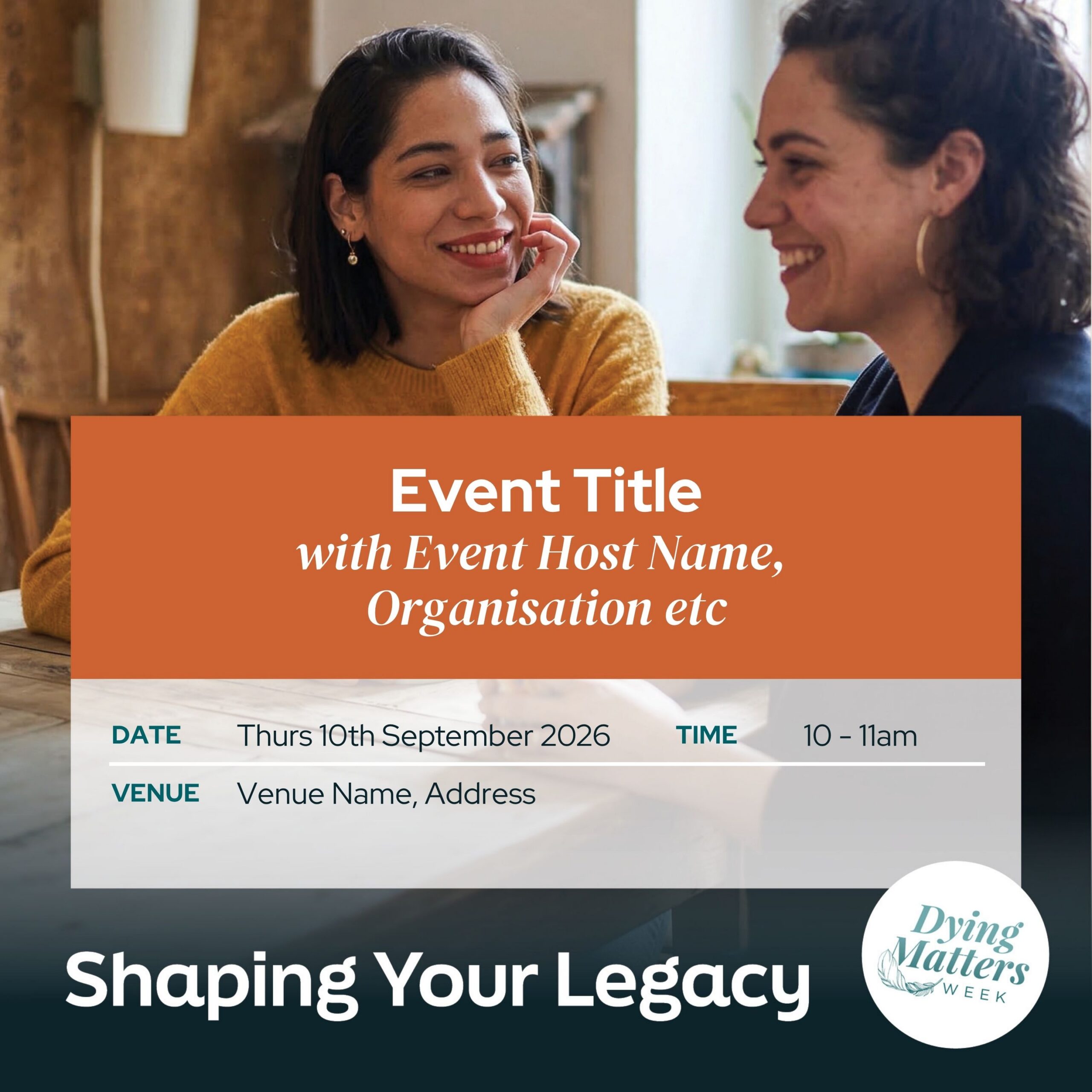
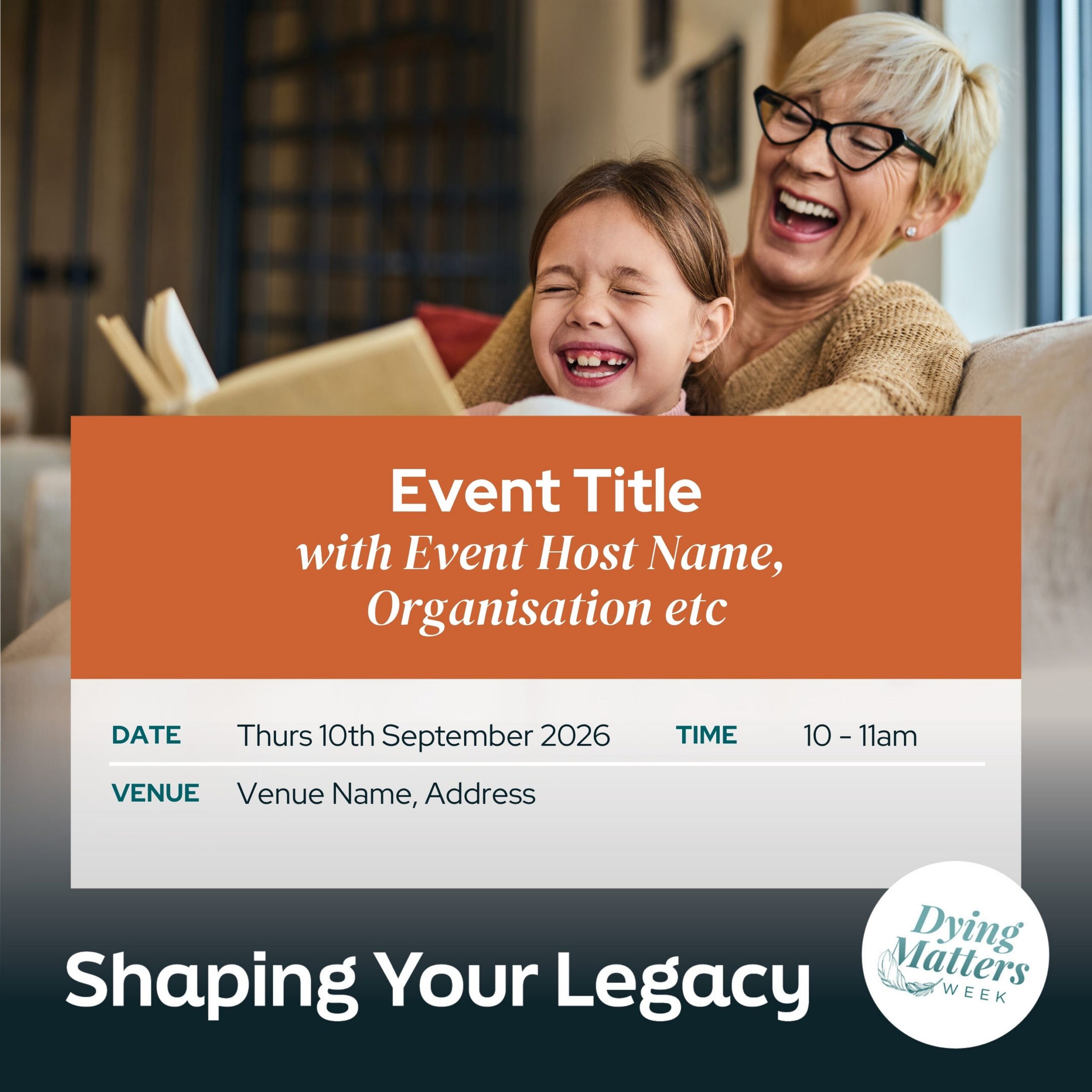

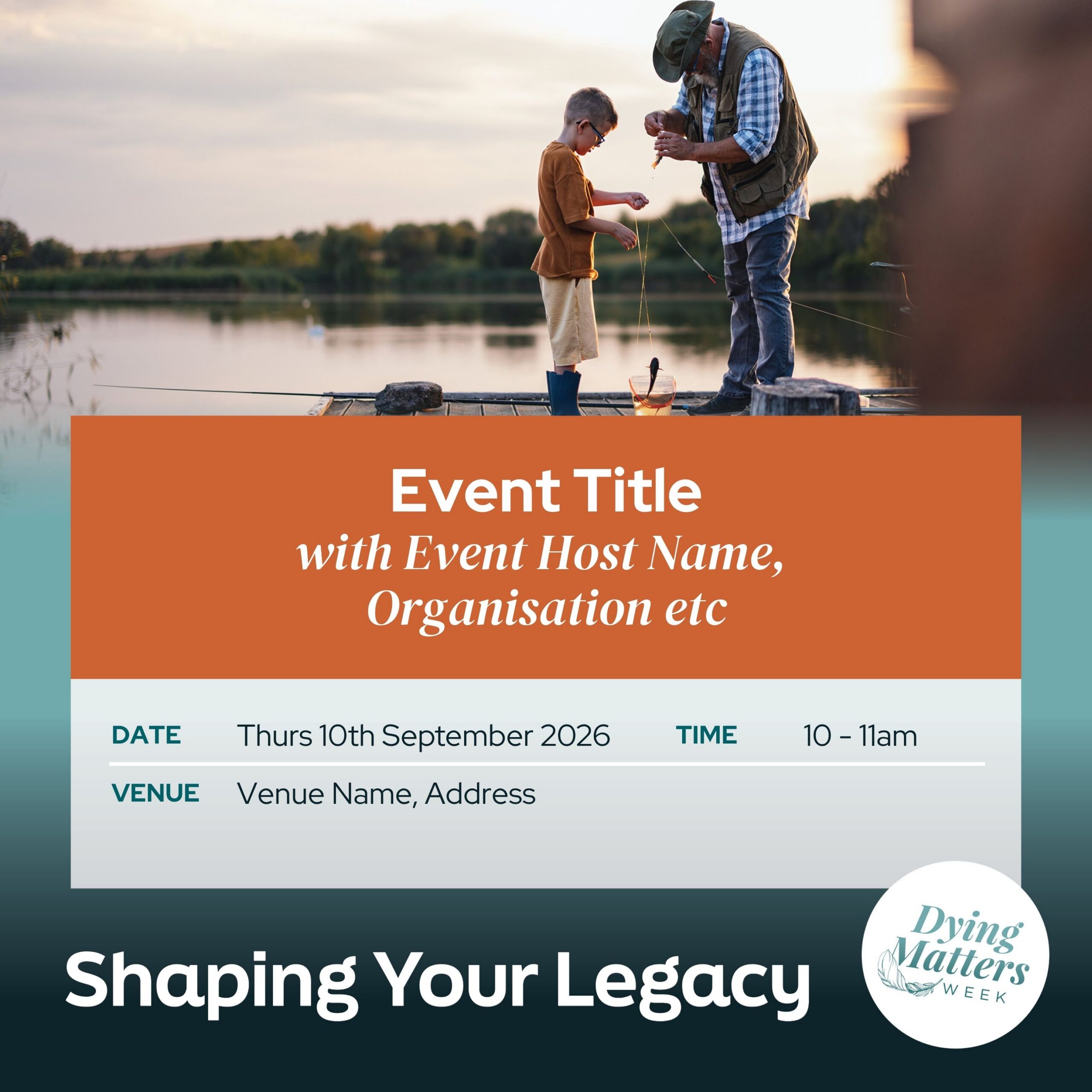
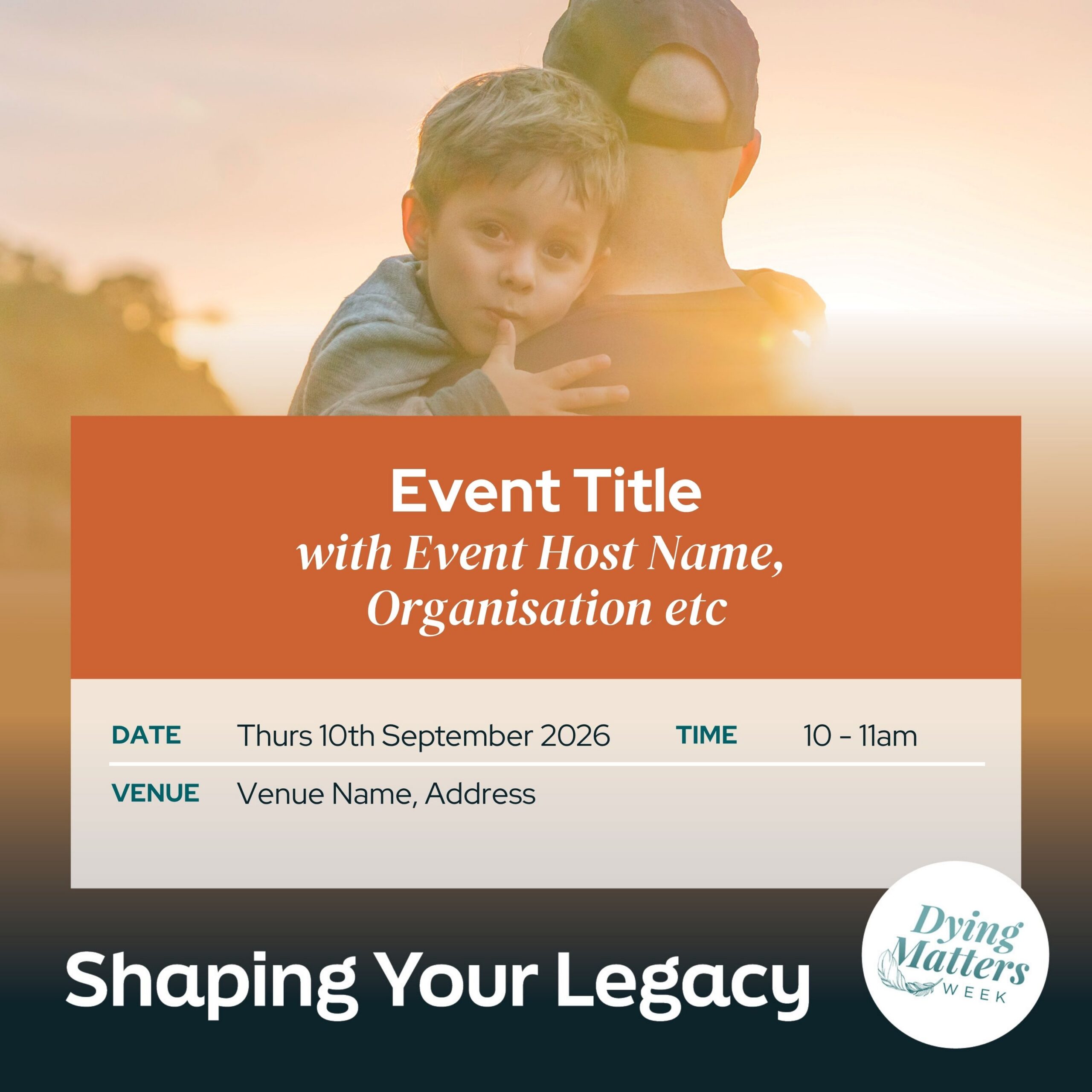
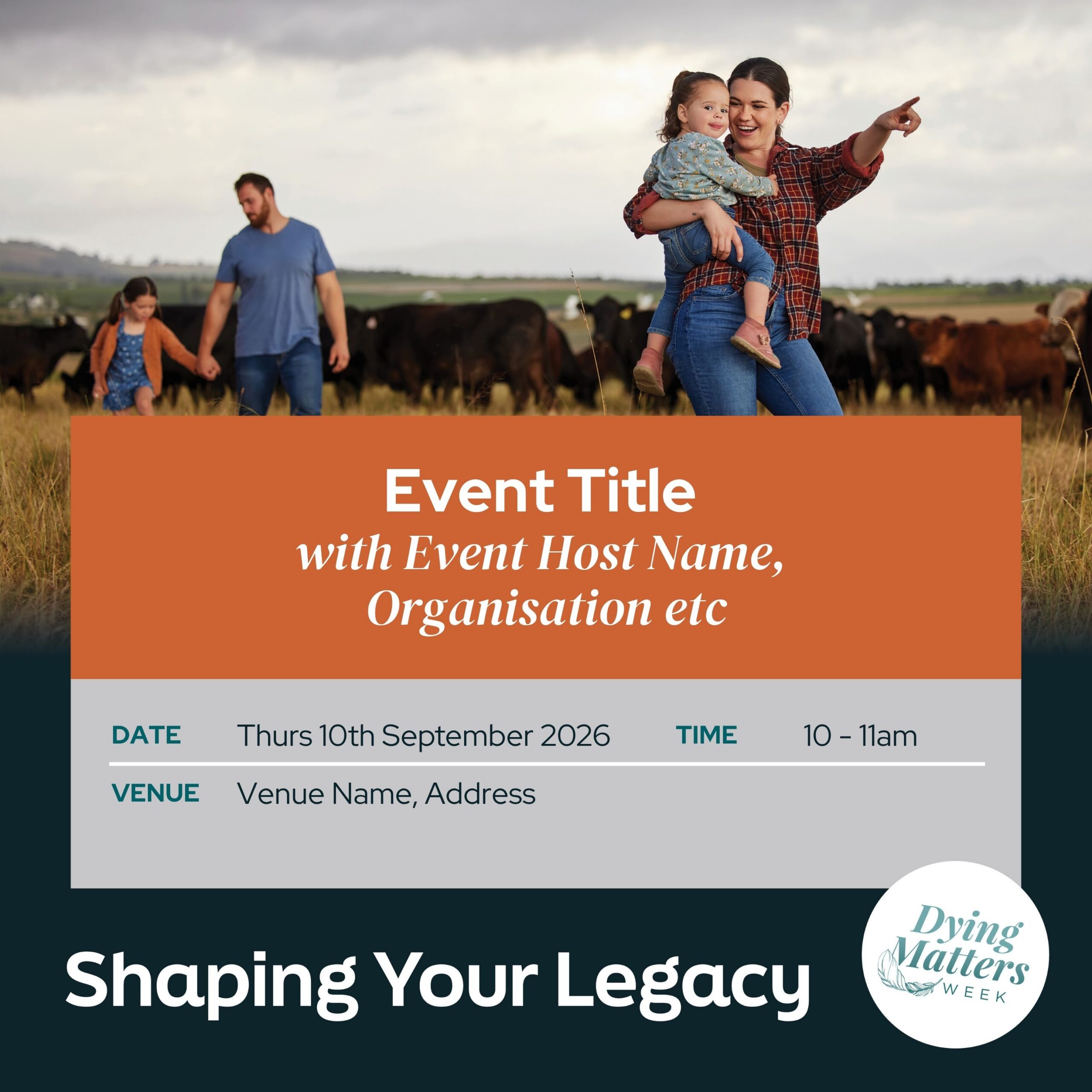
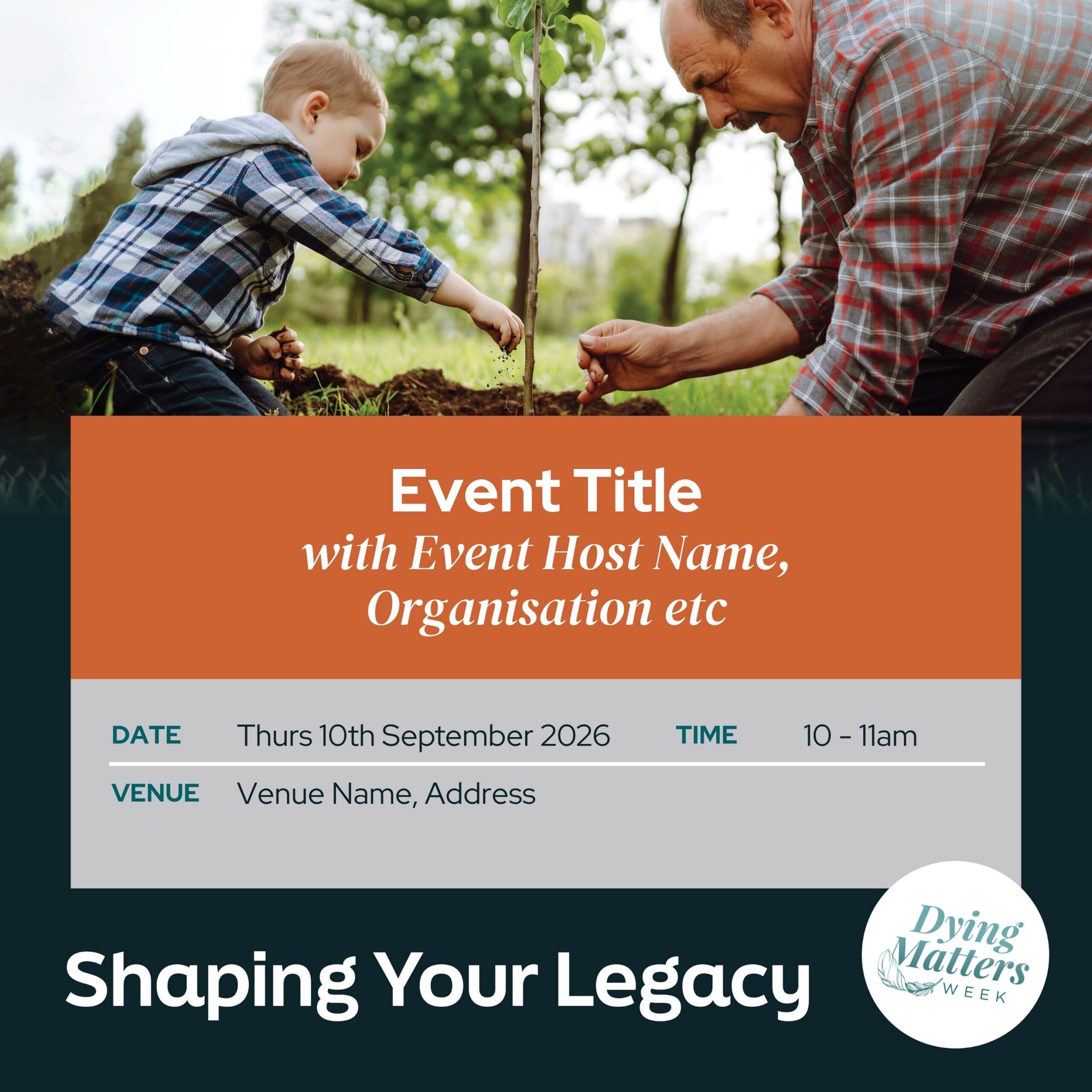
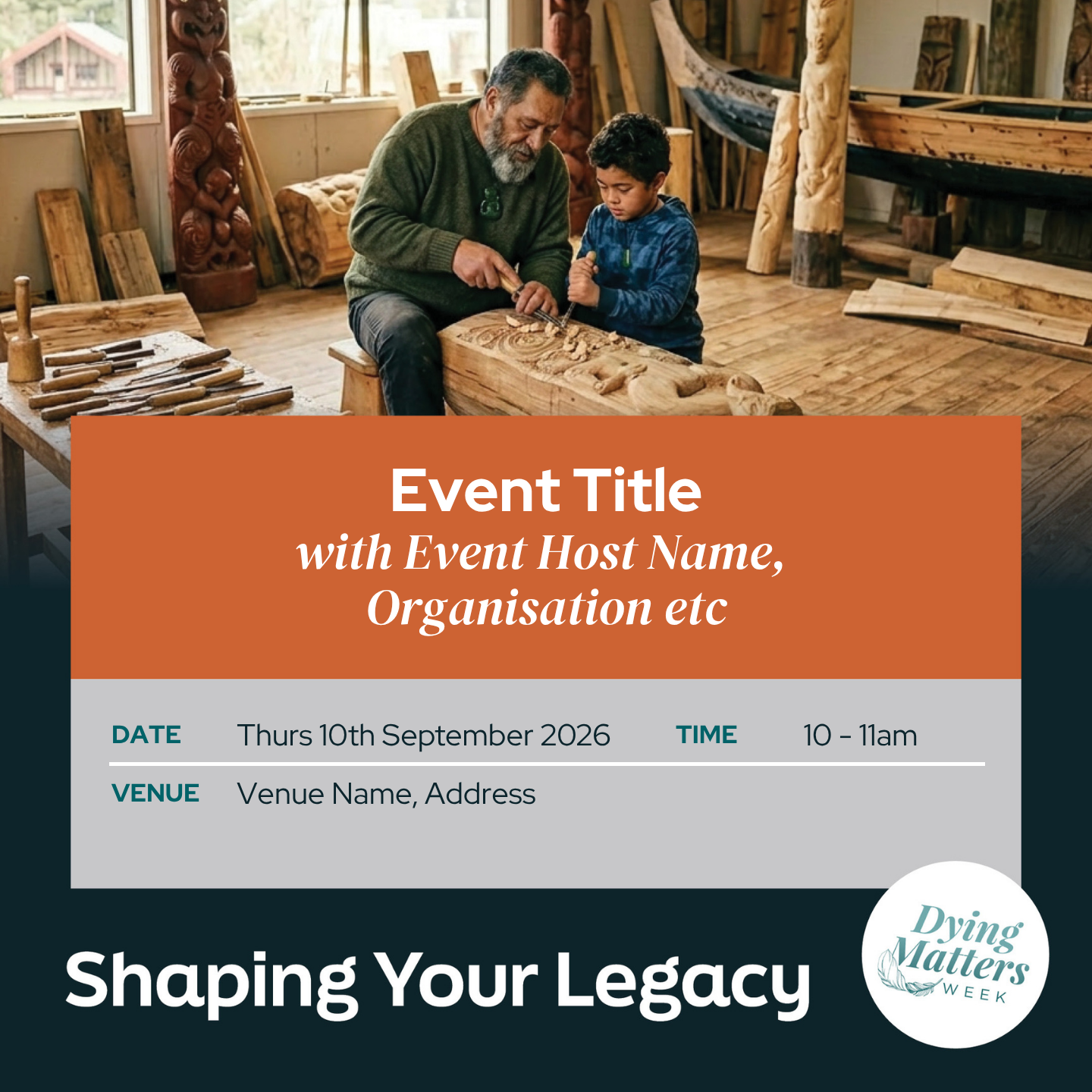
Keep scrolling to the bottom of this page for editable A4 poster and programme templates.
Step 2
Add your tile and event details below
Thanks so much for supporting Dying Matters Week in 2026. Every event and conversation across New Zealand is helping people to be more prepared for later life and end-of-life and to create the legacy they want to leave for their children and future generations. Please upload one event at a time. All submitted events will be reviewed before they are published to the relevant Dying Matters Week regional page.
Step 3
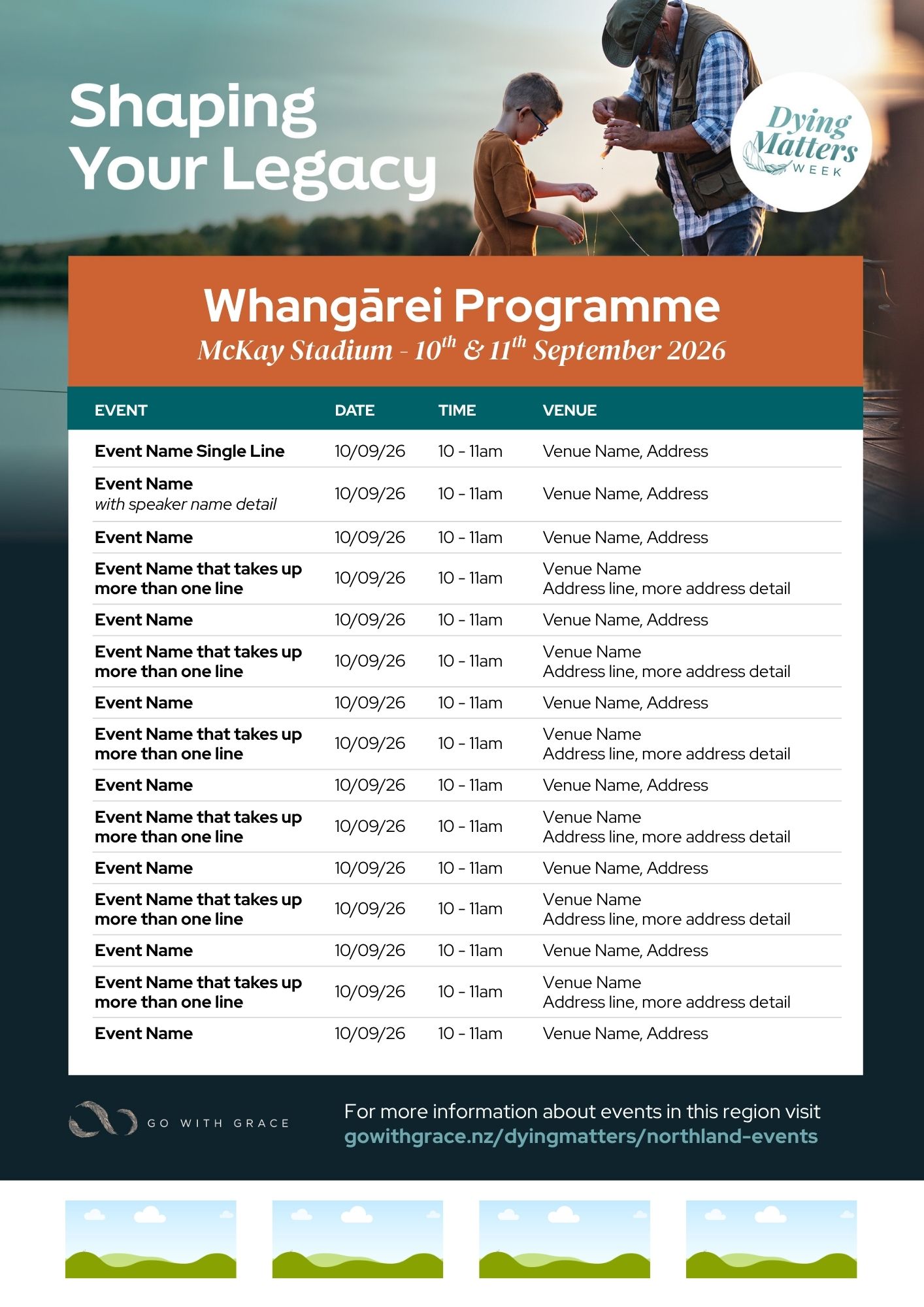
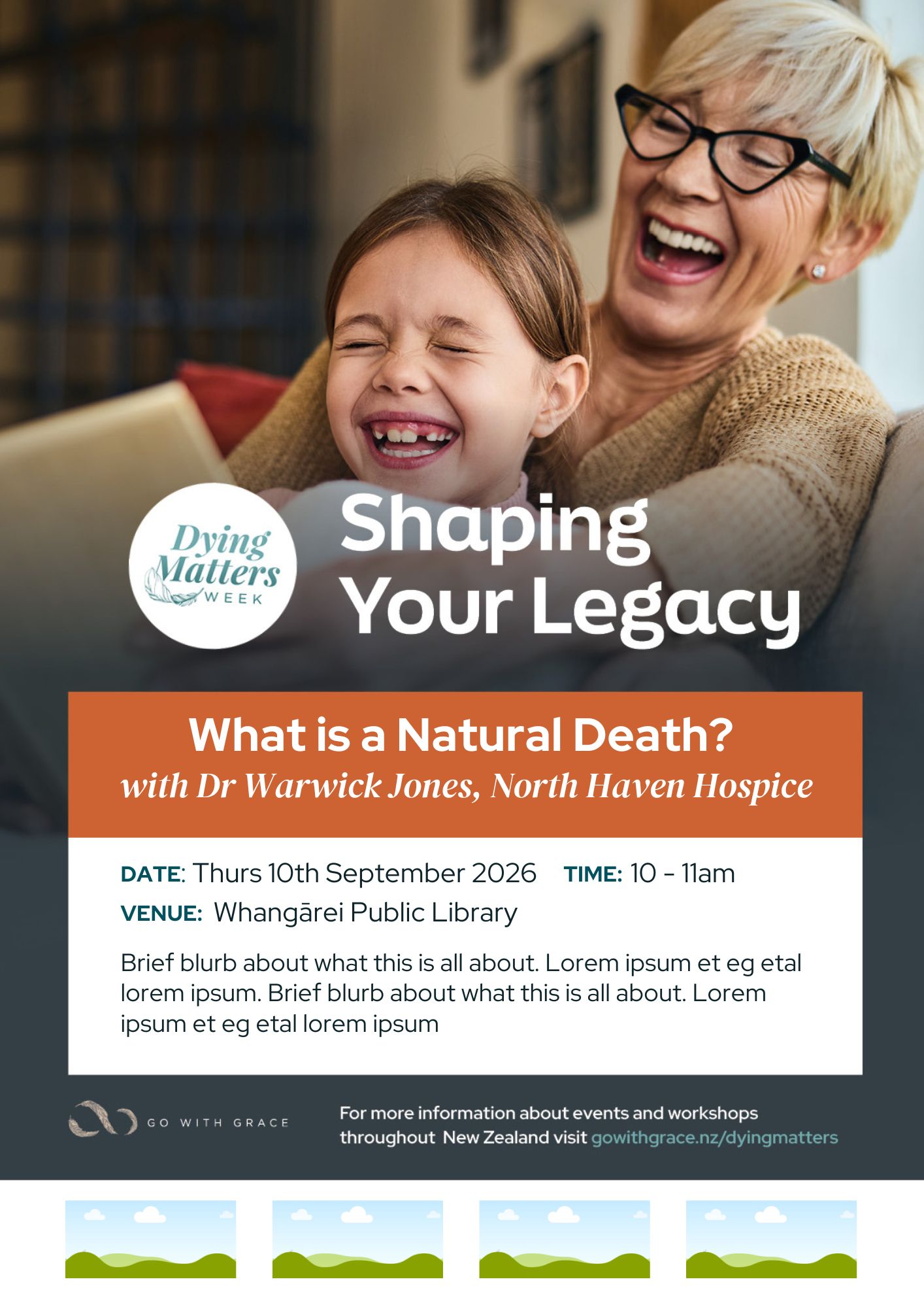
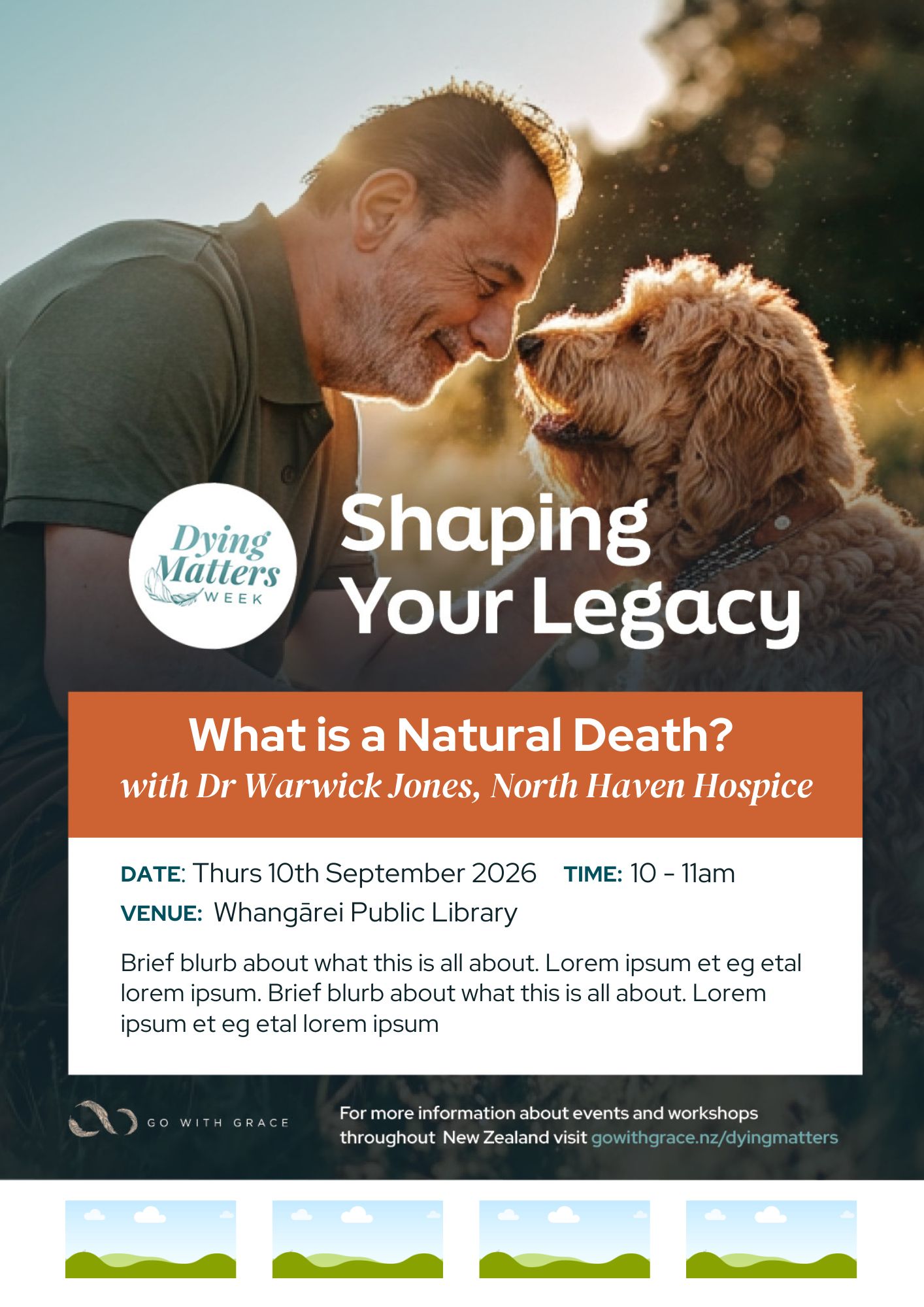
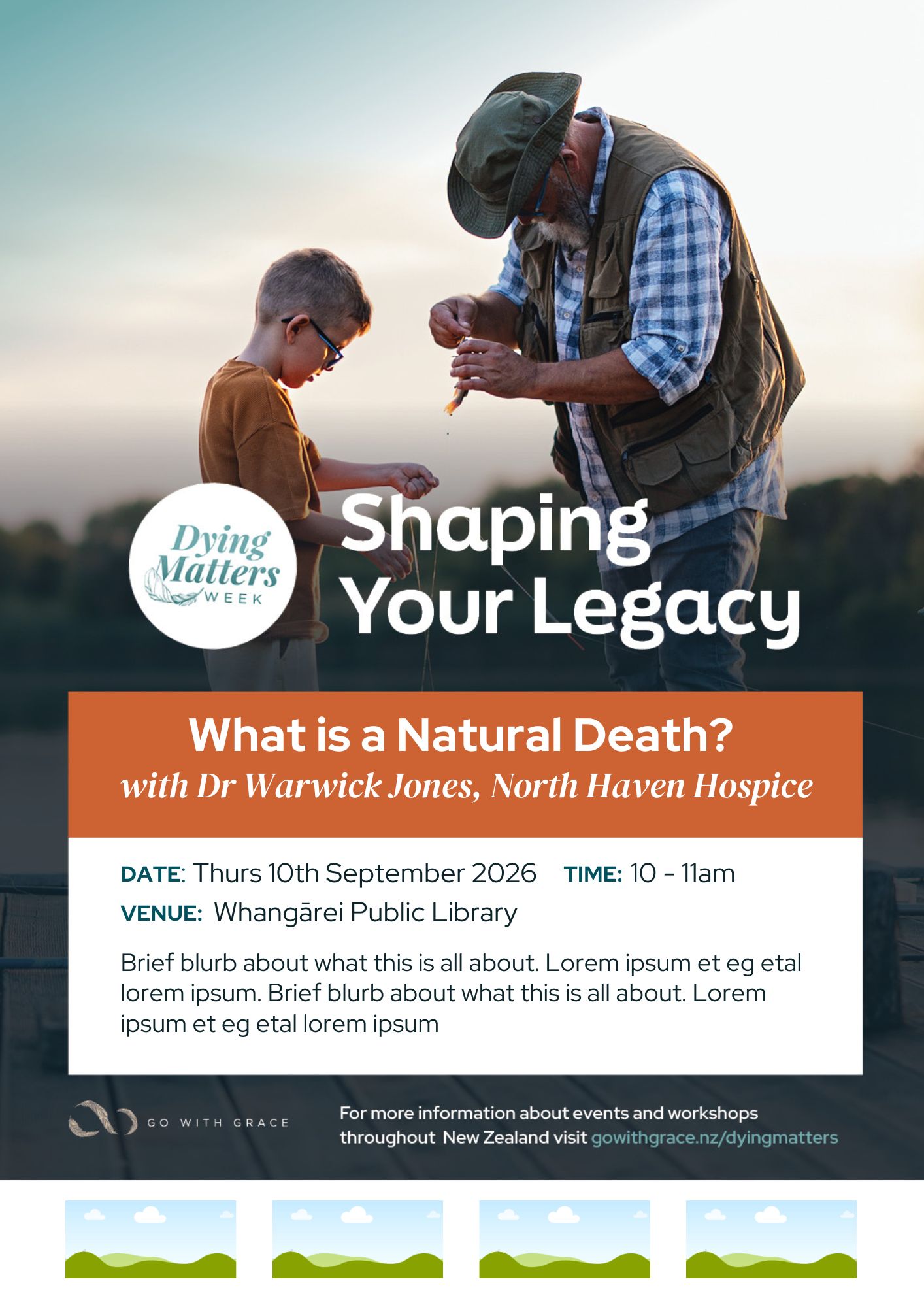
Download Posters and Programmes
You will need to set up a free Canva account to be able to edit and save your event posters.
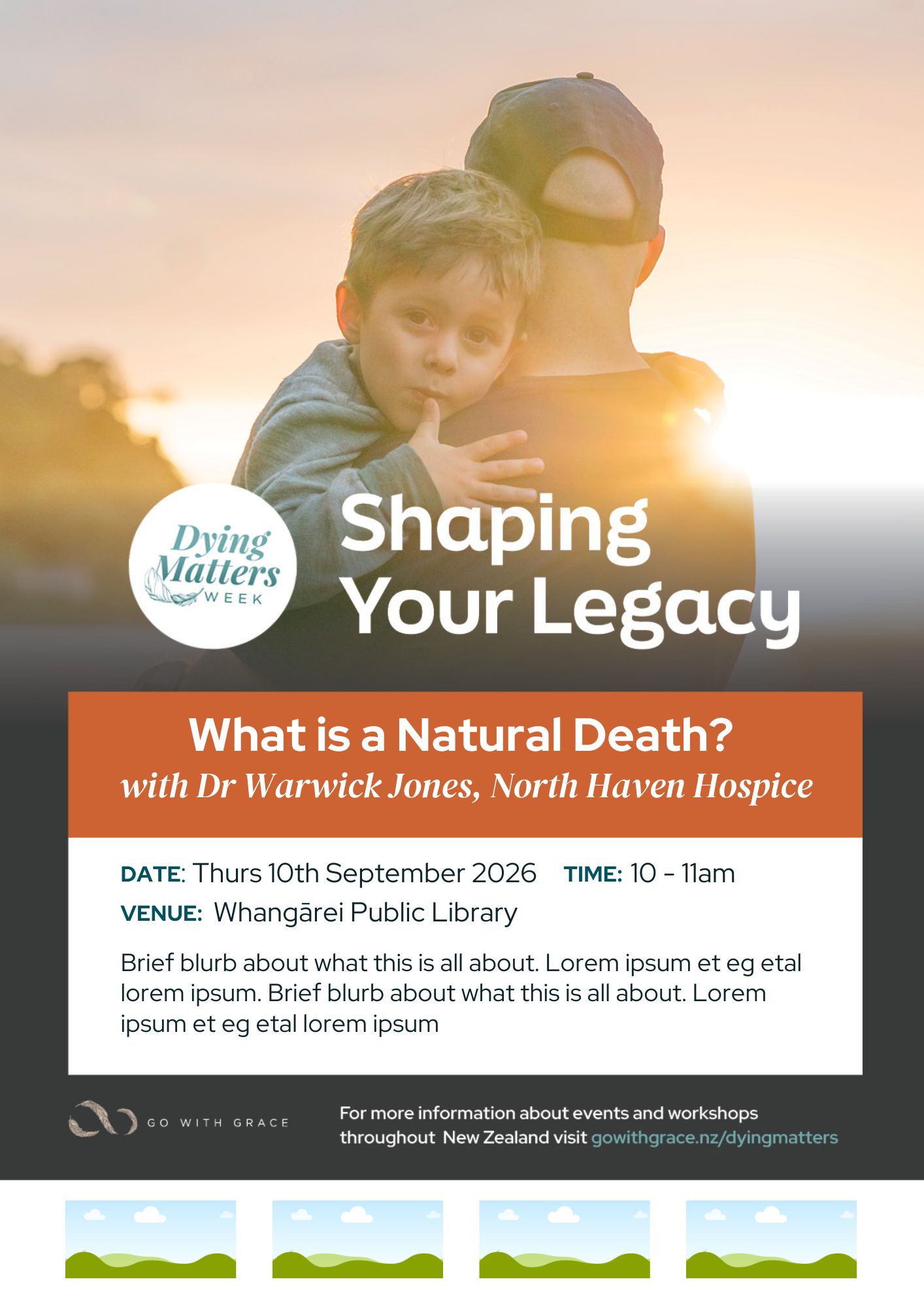
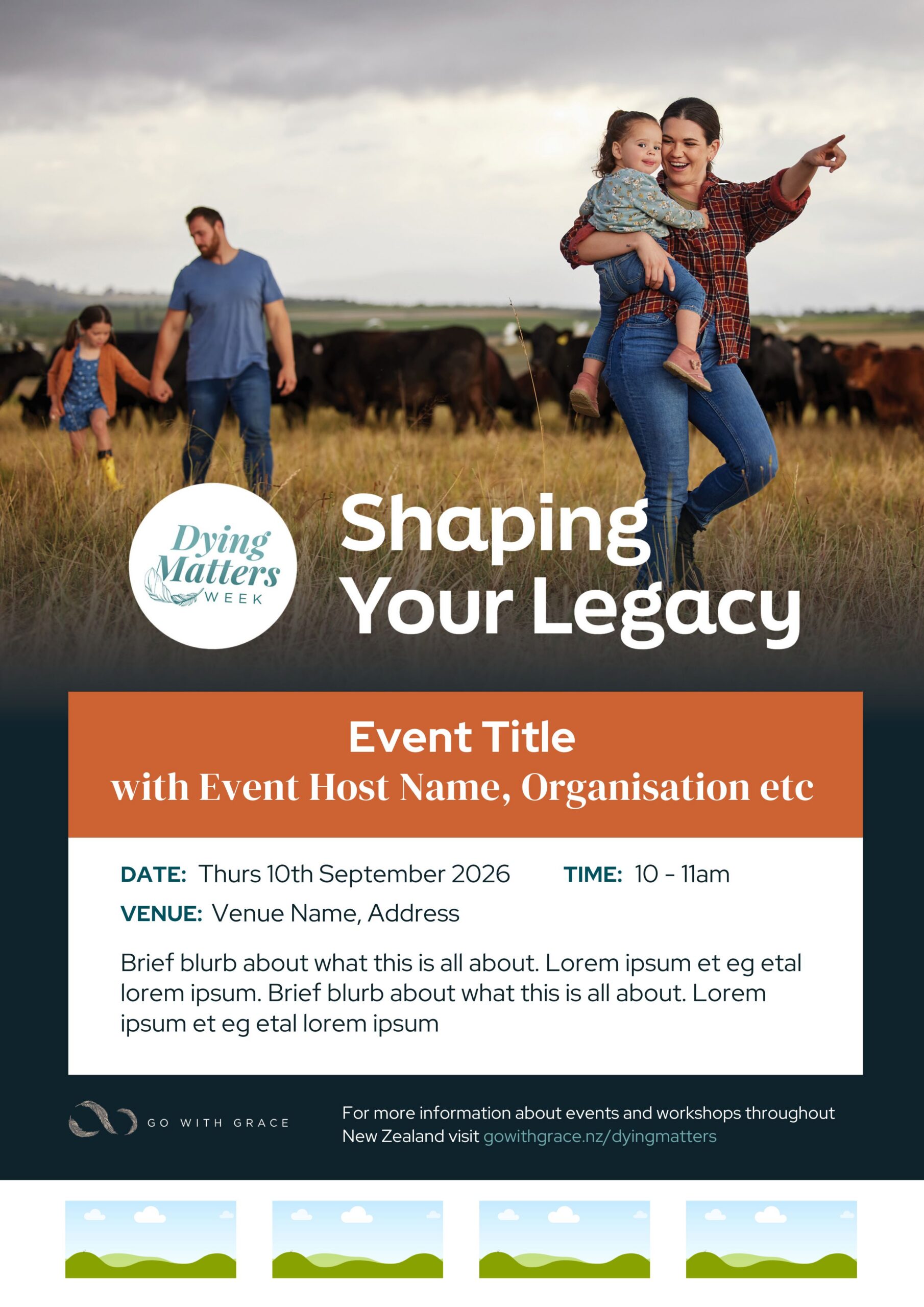
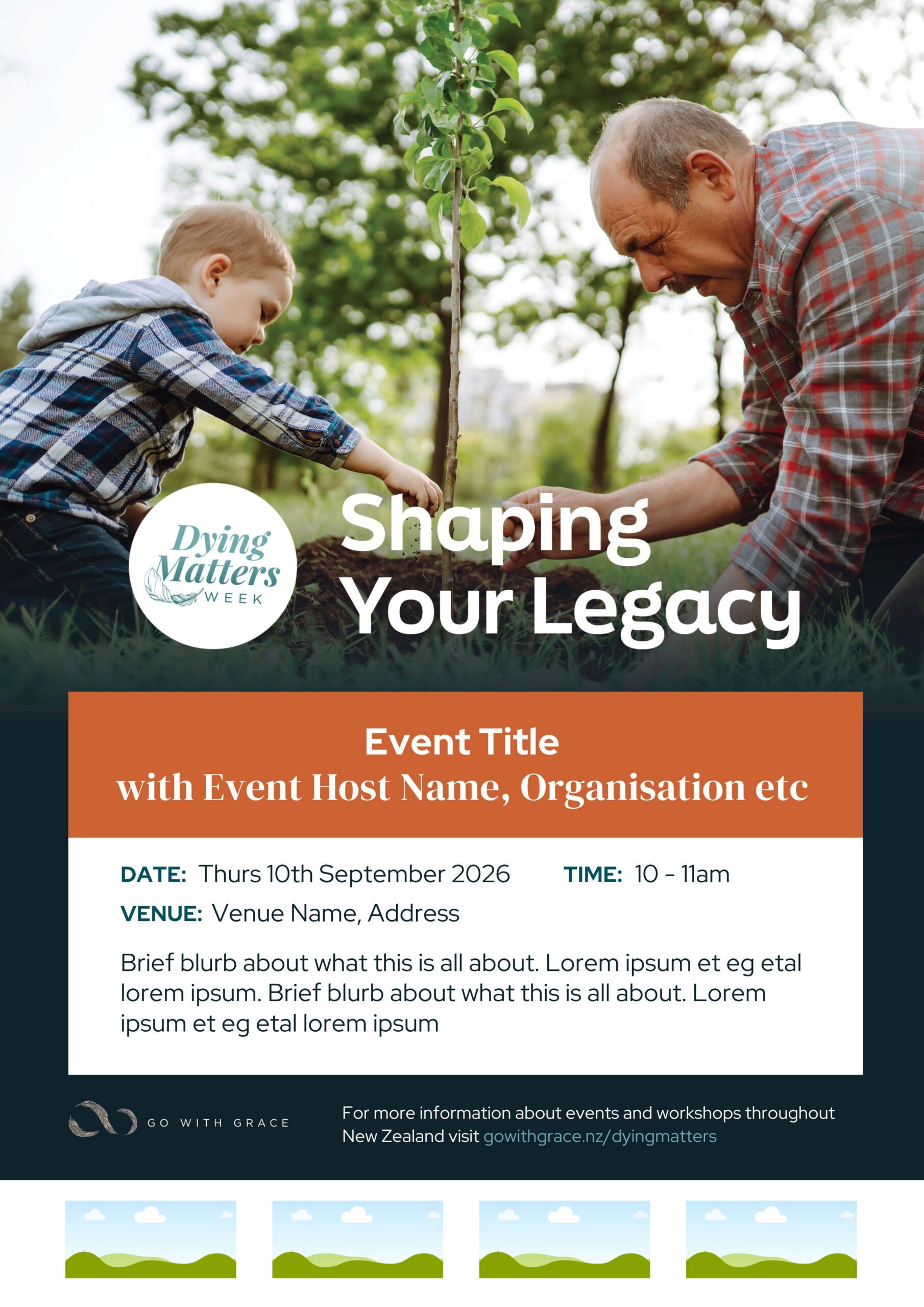
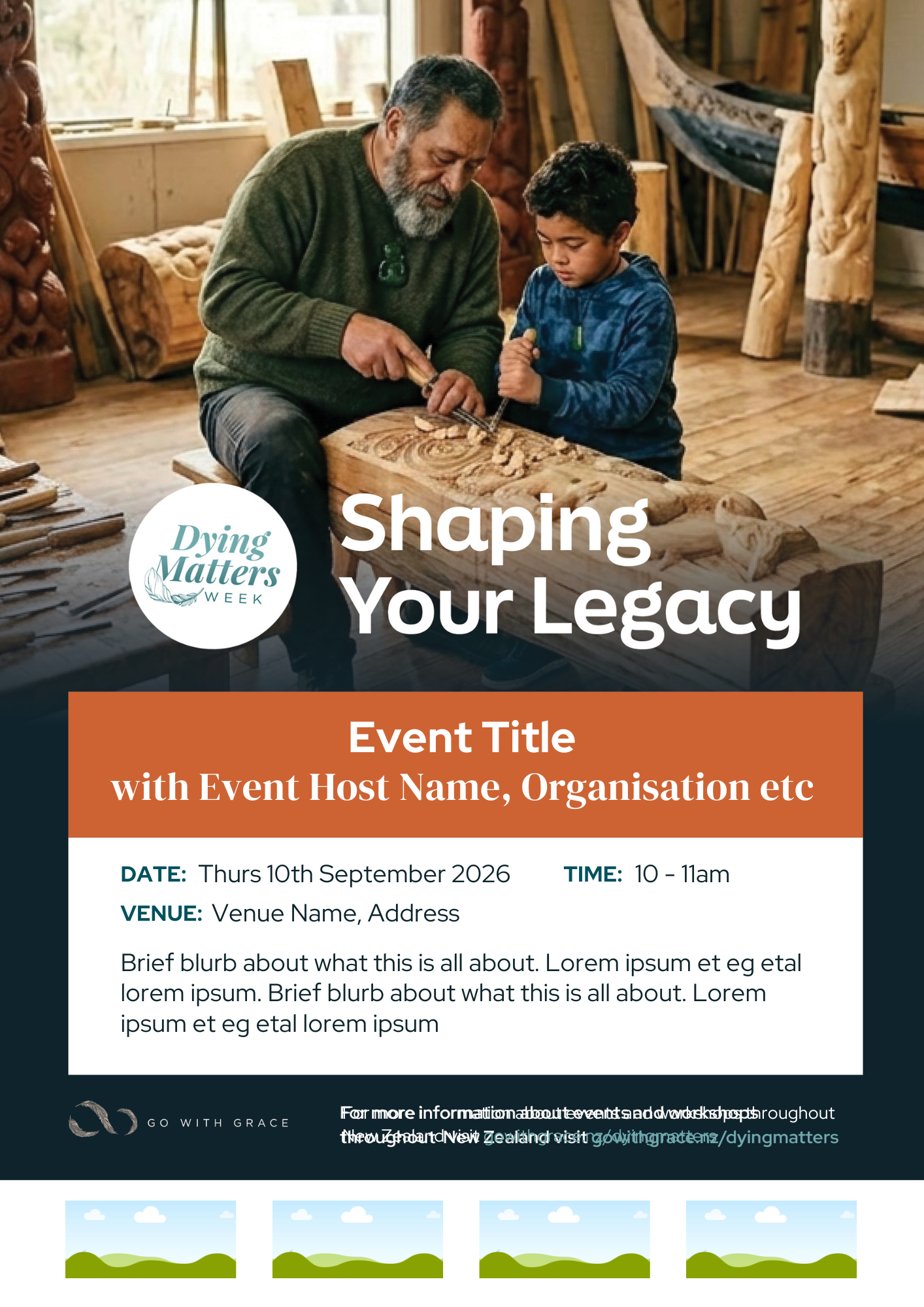
Choose the background image which best suits your event, then click on the image to go to the template. Once open in Canva, click the edit template button, then edit the text fields with your own event details, drag logos into the image placeholders at the bottom of the poster (Eg. organiser logo, speaker logo, venue logo, partners logos) and click share to save to your computer/device as a jpeg file. You can then share and print as needed.

Dying Matters Week Updates
Stay up to date with the latest events, resources, and discussions via our Dying Matters Week email newsletter.